
Accident Reports: What to Record, Apps, and Law Firm Support

Practical guidance for building efficient, accountable legal support operations.
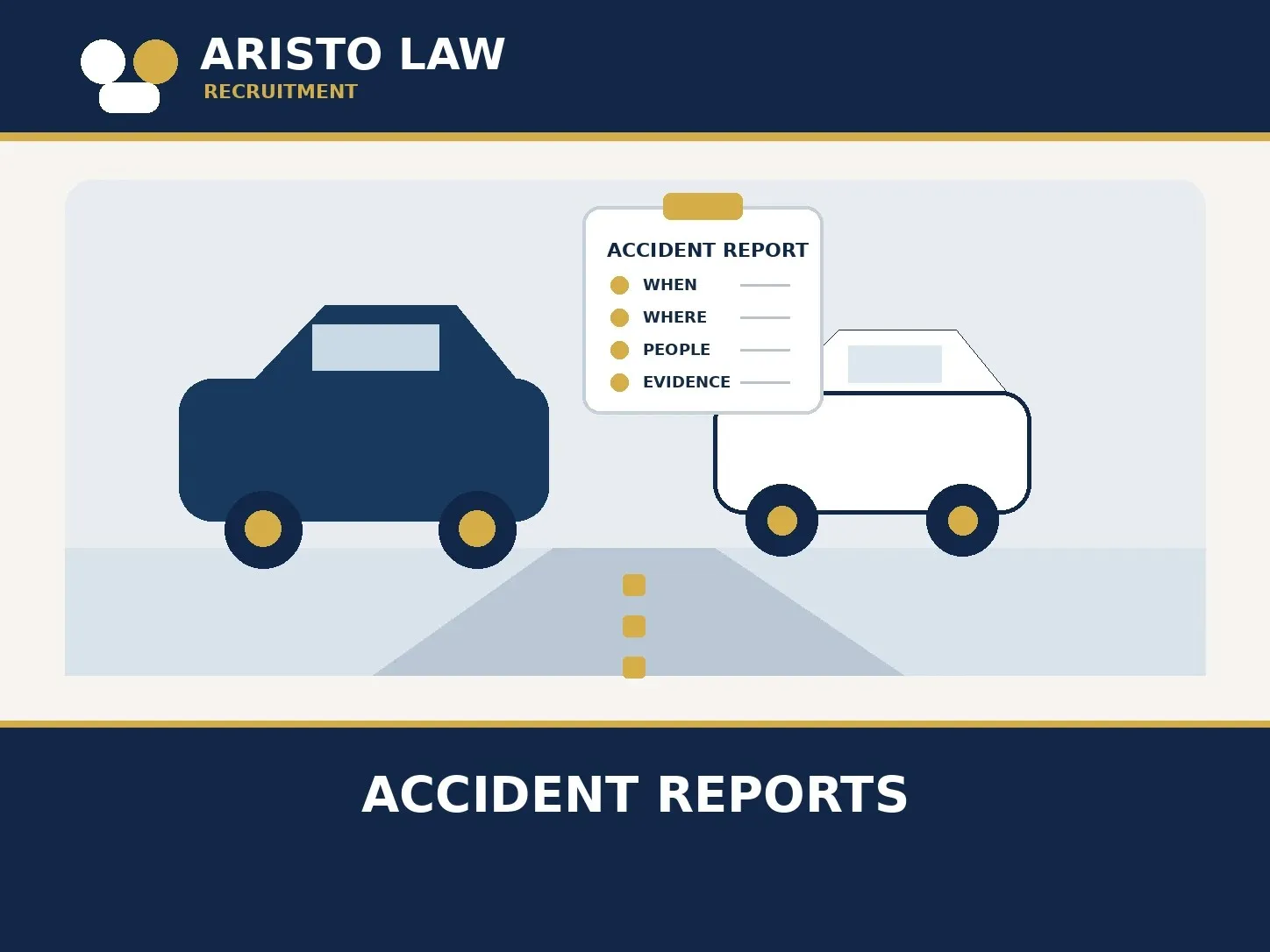
An accident report records factual details about an incident. It identifies when and where the event occurred, who was involved, what people observed, and which supporting records exist. A personal note, an insurer’s claim file, a workplace incident form, and an official police report serve different purposes.
This guide explains the information an accident report can organize, how mobile apps fit into recordkeeping, and how a law firm can manage the resulting files. Emergency response and official reporting rules take priority; requirements vary by location and incident type.
What counts as an accident report?
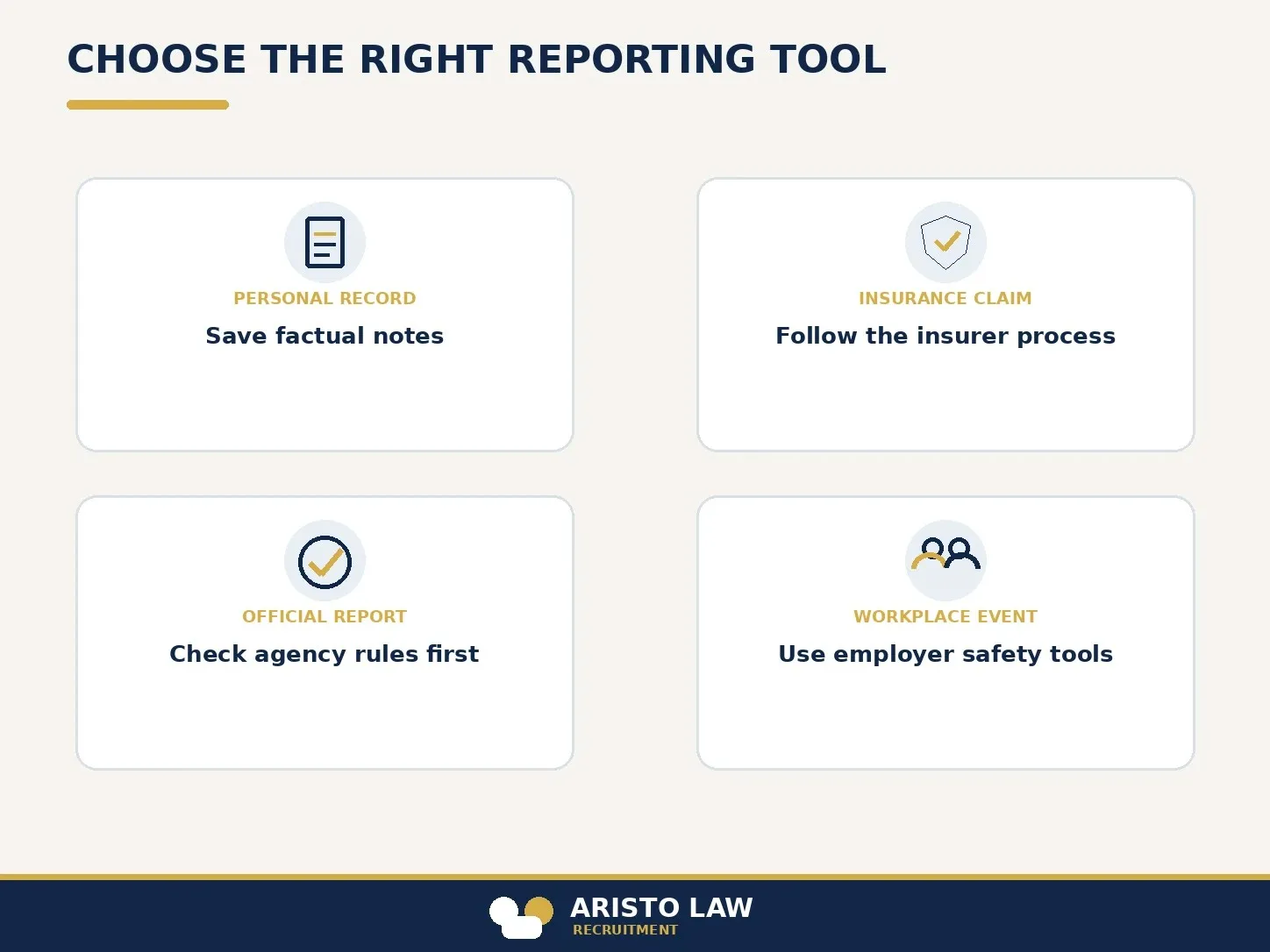
An accident report is a structured record of an event and its known facts. A personal record preserves a person’s notes and photographs. An insurance report starts or supports a claim under an insurer’s process. A police or agency report follows the relevant authority’s rules. A workplace report records an occupational injury, near miss, or safety issue for employer procedures.
These records are not interchangeable. An app-generated summary does not automatically become an official report, prove fault, or satisfy a legal or insurance requirement. The issuing agency, insurer, employer, or applicable rule determines which form or filing method is accepted.
What should an accident report record?
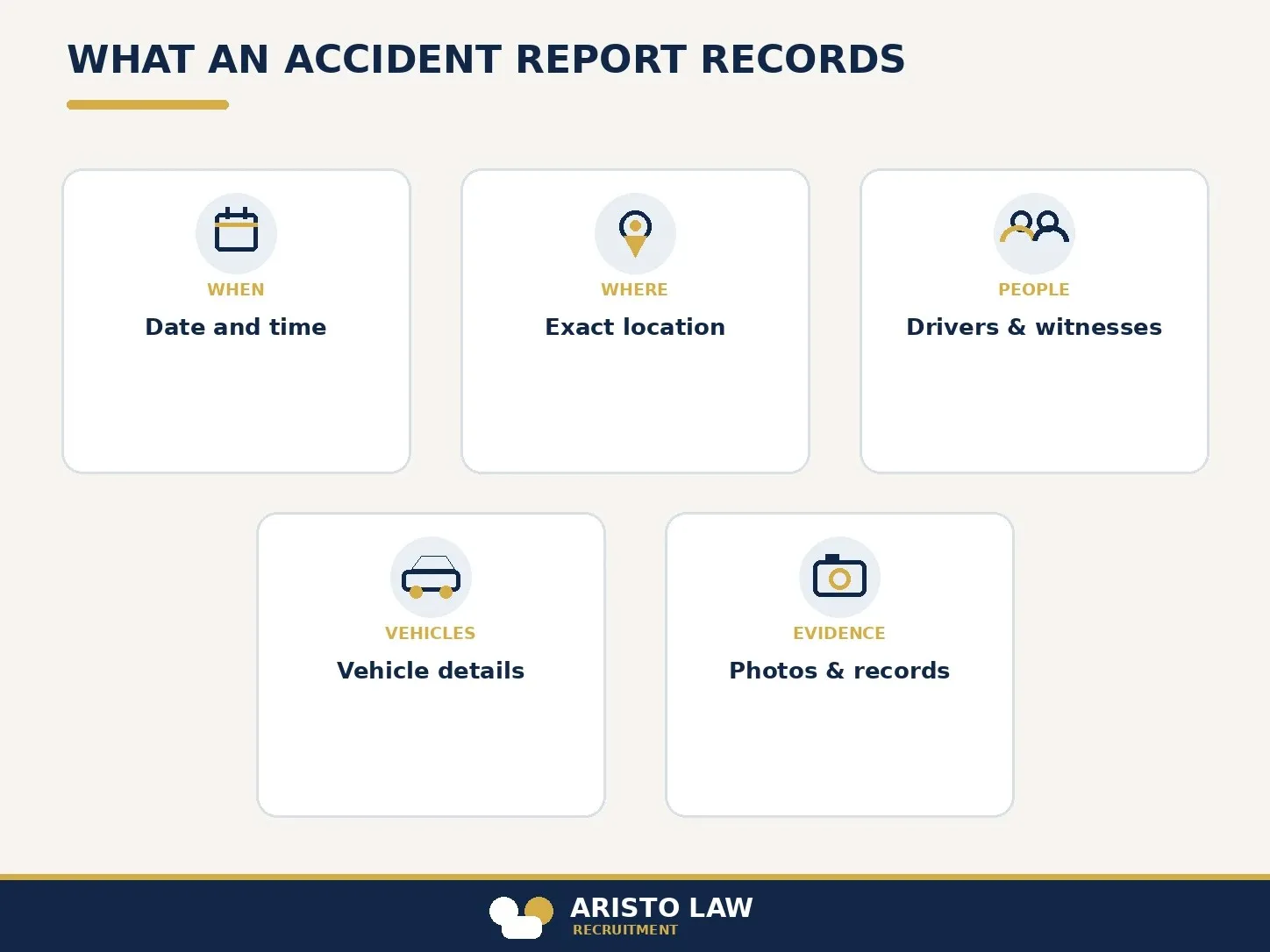
An accident report should record the date and time, location, people, vehicles, witnesses, observed conditions, and available evidence. The report should distinguish direct observations from information provided by someone else.
- When: date, approximate time, and when the record was created.
- Where: address, intersection, direction of travel, or another clear location description.
- People: names and contact details for involved people and witnesses, when available.
- Vehicles and property: identifying details and visible damage.
- Conditions: weather, lighting, road conditions, and other directly observed facts.
- Evidence: original photographs, video, exchanged information, and official reference numbers.
A factual report avoids guesses about speed, cause, fault, or injury. A clear record marks unknown details as unknown and preserves original files with their source and receipt date.
How do accident report apps support recordkeeping?
An accident report app supports recordkeeping by collecting details in a structured digital form. The right app depends on the reporting task, the accepted filing process, and the sensitivity of the information.
Which accident reporting task does the app support?
An app supports a personal record when it saves factual notes and media for later reference. An insurer’s app supports a claim when the insurer accepts its workflow. An official reporting app supports a government filing only when the relevant agency provides or approves that method. A workplace platform supports employer safety documentation.
Which features should a law firm compare?
A useful reporting app identifies its data fields, storage location, access controls, retention terms, export options, and supported jurisdictions. Photo attachments, timestamps, offline capture, and audit history can help users maintain a consistent record, but firms should verify security and retention before entering client information.
What can an accident report app not decide?
An accident report app cannot determine fault, validate a witness’s account, diagnose an injury, or choose legal strategy. A user should review entries for accuracy and follow official instructions even after completing an app form.
How should a law firm organize accident report information?
A law firm should organize accident report information by source, date received, matter, and follow-up status. This structure lets the responsible attorney distinguish client statements, third-party material, insurer records, and official documents.
How should intake staff log the initial report?
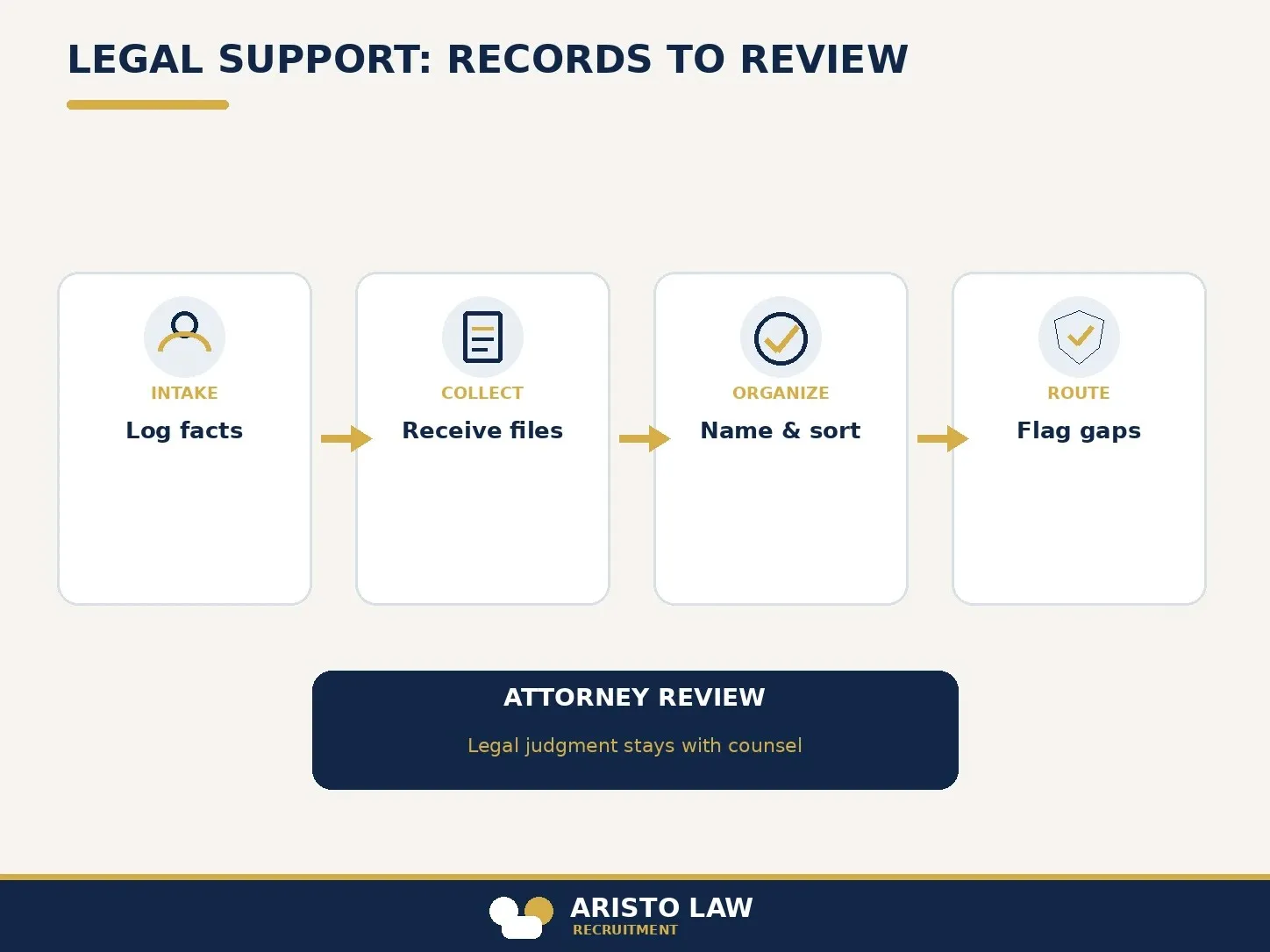
Intake staff should record the caller’s own account in the firm’s approved system. The entry should label the source, mark missing details, and route urgent or sensitive questions according to the firm’s escalation procedure.
How should staff preserve and organize evidence?
Staff should preserve original files and use consistent matter names, document types, source notes, and receipt dates. Staff should avoid altering evidence and should follow the firm’s approved access, retention, and security procedures.
How should staff track missing information?
Staff should track each requested item, the request date, the expected source, and the next follow-up date. A workflow should flag incomplete records for the case team without letting an administrative assistant decide what evidence proves.
What can a legal virtual assistant do with accident records?
A legal virtual assistant can provide attorney-directed administrative support for accident records. The assistant can log intake, organize client-provided files, track follow-ups, and route missing information through the firm’s approved workflow.
Which accident case tasks can a virtual assistant support?
A virtual assistant can label incoming documents, maintain intake fields, track administrative requests, schedule follow-ups, and alert the case team when a file is incomplete. The firm defines the task, access permissions, scripts, and escalation rules.
Which decisions remain with the attorney?
The attorney retains legal judgment, evidence evaluation, advice, and case strategy. The assistant does not assess liability, interpret legal deadlines, make medical conclusions, or advise a client unless a licensed professional authorizes a task within applicable rules.
Aristo Law’s virtual legal assistant service supports defined intake, document coordination, and follow-up workflows under firm procedures. Firms that need focused record collection can also review the legal medical records specialist service.
Does an accident report app create an official police report?
No, an accident report app creates an official police report only when the relevant agency accepts that app or filing method. Users should verify reporting rules with the responsible agency.
Should a person edit accident photos before sharing them?
No, a person should preserve original accident photos and identify any annotated copy separately. An original file helps preserve the record’s integrity.
Can a virtual legal assistant evaluate an accident report?
No, a virtual legal assistant should not make legal conclusions from an accident report. The assistant can organize records and route questions; the attorney evaluates evidence and advises the client.
Build a legal support team that moves work forward.
Tell us what is slowing your practice down. We will help map the role, workflow, and support structure that fits.